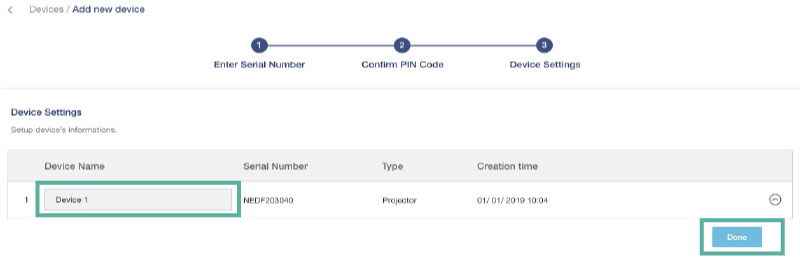
Quick steps :
|
Interactive Flat Panel displays Go to OMS page of the device |
Projector Go to OMS page of the device 1.Setting > OMS 2.Select the location of the device: Global or China 3.Enter the Serial No. assigned to this device in OMS system 4.Confirm the PIN No. in device 5.Enter the name of the device in OMS system 6.Complete |
Add Device
Notice:Please ensure that your device is connected to the internet and the date/time is set correctly.
A. Click Device on the left function menu.
B. Click "Add" in the upper right corner.
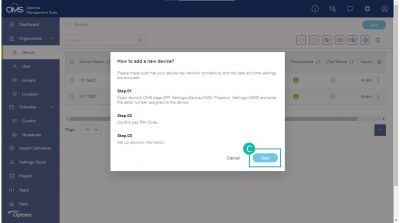
C. Click "Start" .
*Please make sure the device OMS pairing page is open.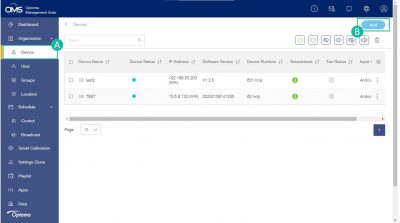
Add IFP device to OMS
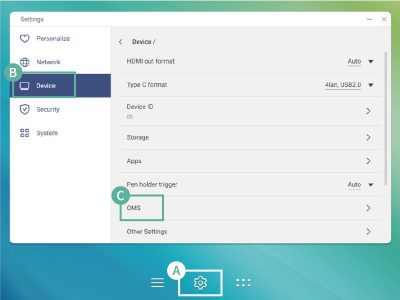
Go to OMS page on the device:
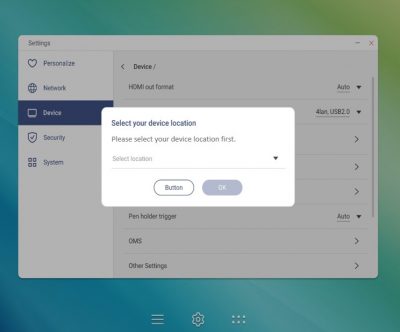
A. Setting > B. Device > C. OMS
Select the location of your choice for the device "Worldwide or China".
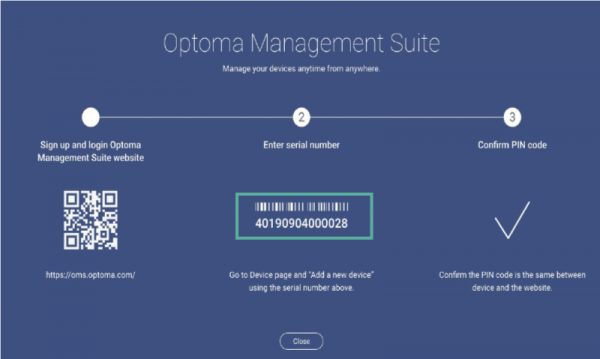
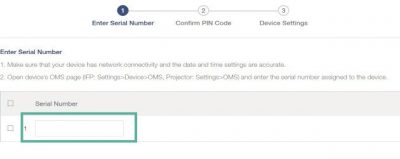
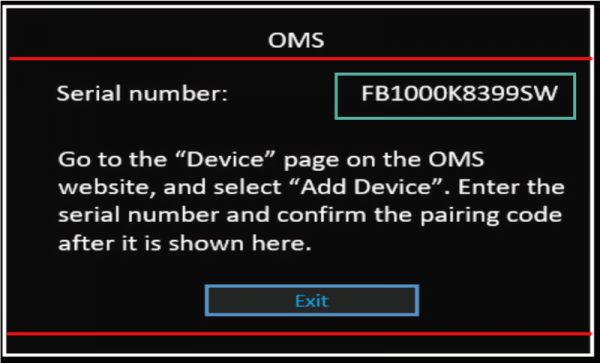
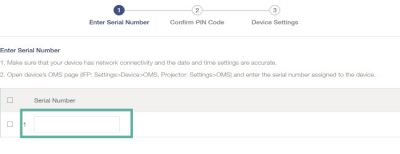
Find device Serial No. and type into the OMS system.
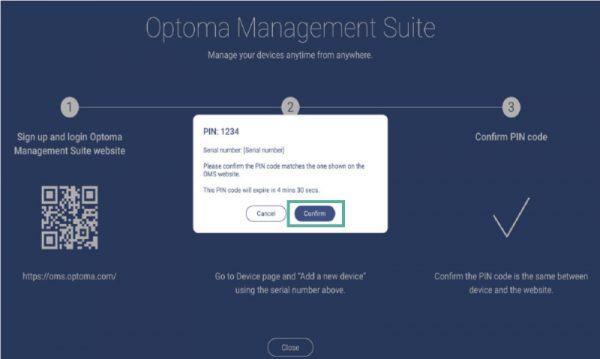
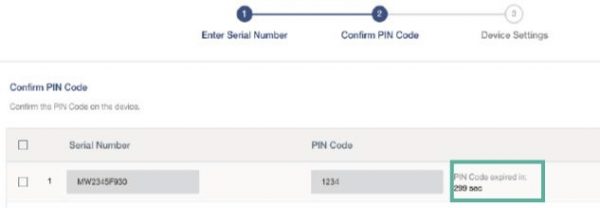
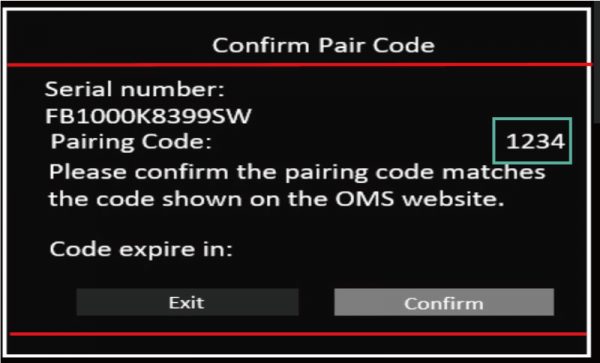
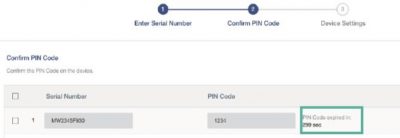
Confirm PIN No.
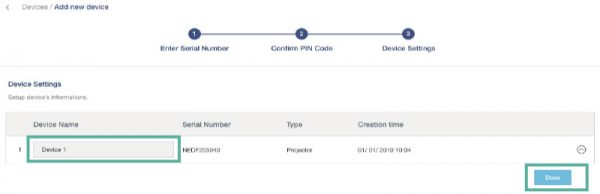
Type device name and info.
Add projector device to OMS
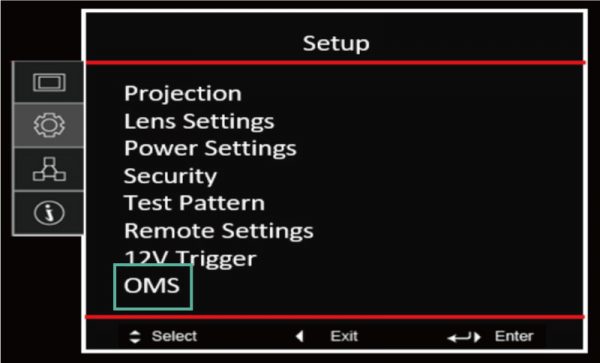
Setting > OMS
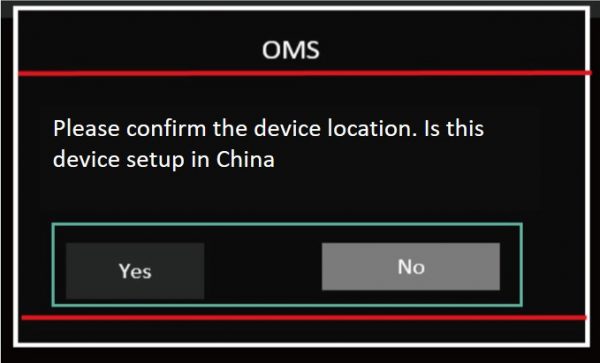
Select the location of your choice for the device "Worldwide or China".
Find device Serial No. and type into the OMS system.
Confirm PIN No.
Type device name and info.