Click menu button ( ) on either sides of the standby screen, and then click (
 ) . It shows following settings.
) on either sides of the standby screen, and then click () . It shows following settings.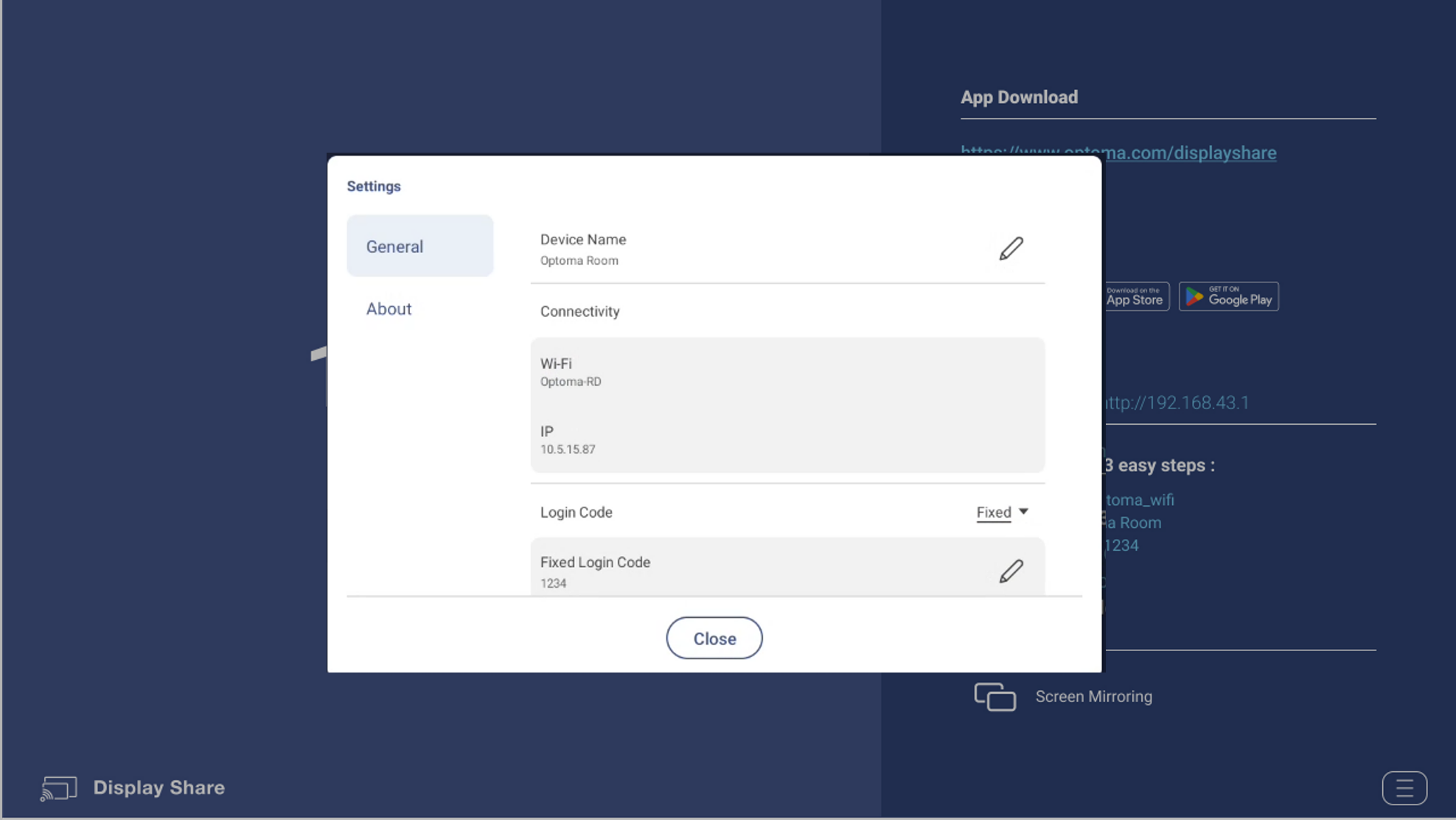
- General
- Device Name : The name which Display Share sender app can discover.
- Connectivity.
Wi-Fi : The SSID of WiFi router which Optoma device connects to.
IP: The IP address. - Login Code : Disable/Random/Fixed [The default value is “Random”.]
- Login Code Window : On or off floating window code [The default value is “On”.]
- Permission : On or off Airplay/Chromecast/Miracast.
- Moderator
- Admin Password : The password for Moderator administrator. [The default value is “admin”.]
- About
- Version : Version number.
- Open Source License : List all open source libraries which Display Share receiver app is using.